 Slate
Slate
Your to‑do list is the wallpaper.
Add a task and it appears on your desktop. Tick it off and the wallpaper redraws itself. No widget to open, no window to keep in front of you — the list is simply there, behind your work.
Tasks
Friday 31 JulySiri & Reminders
Say it once. It's already on your desktop.
Ask Siri from your iPhone, your Watch, your HomePod or the Mac itself. Slate mirrors your Apple Reminders lists onto the wallpaper, so anything you capture anywhere is waiting for you when you sit down.
Why a wallpaper
The only surface you never minimise.
A to-do app you have to open is a to-do app you forget. Slate puts the list where you already look a hundred times a day, and gets out of the way of everything in front of it.
Behind your work, not on top of it
The list sits clear of your Dock, your menu bar and your desktop icons. Nothing to dismiss, nothing stealing focus, nothing to remember to check.
Redrawn the moment it changes
Add, complete or reschedule anything and the desktop is repainted at once — on every display, at the resolution each one runs.
A file on your Mac
No account, no sign-in, no sync service in the middle. Your tasks are one file in your own home folder.
Seven templates
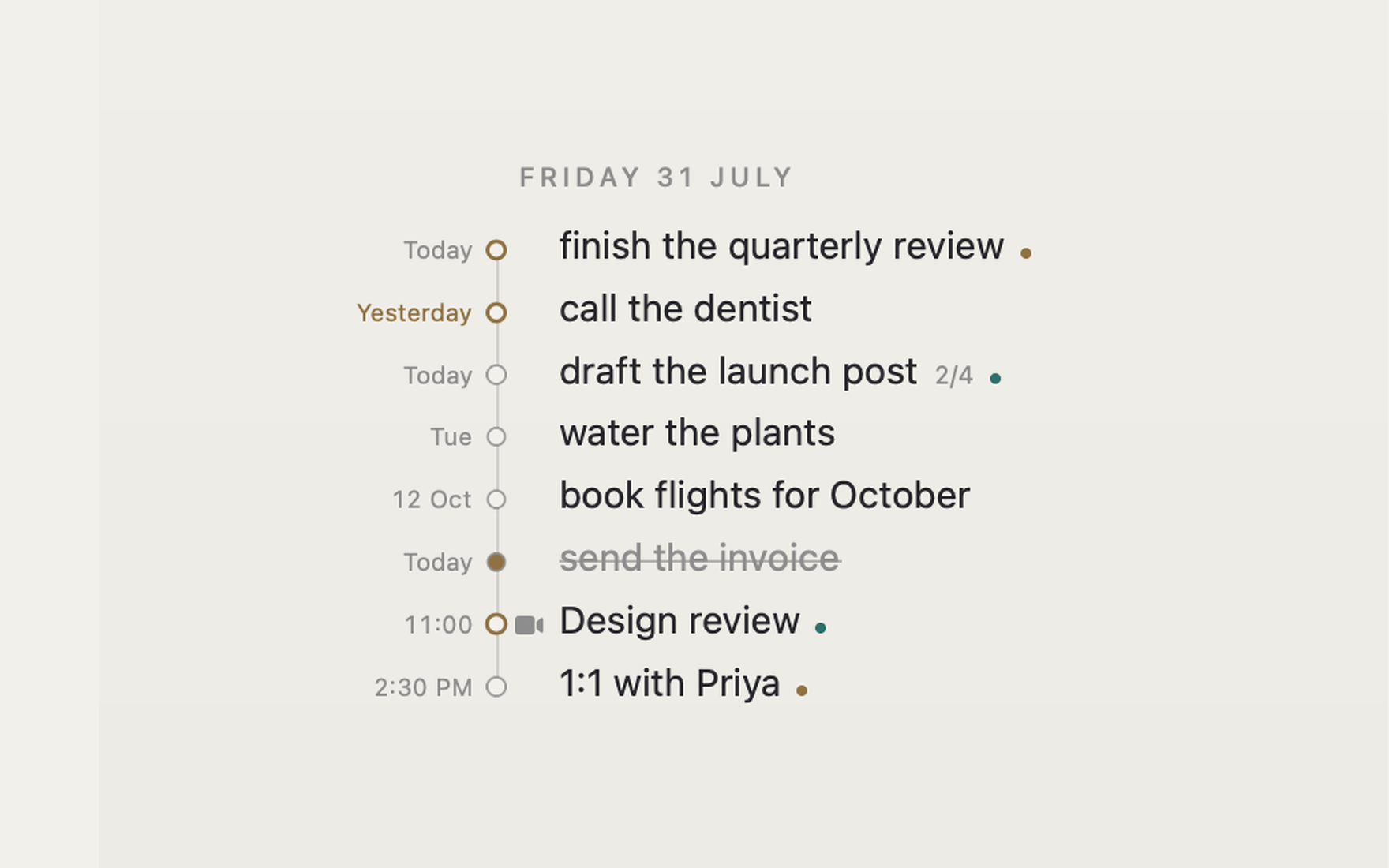
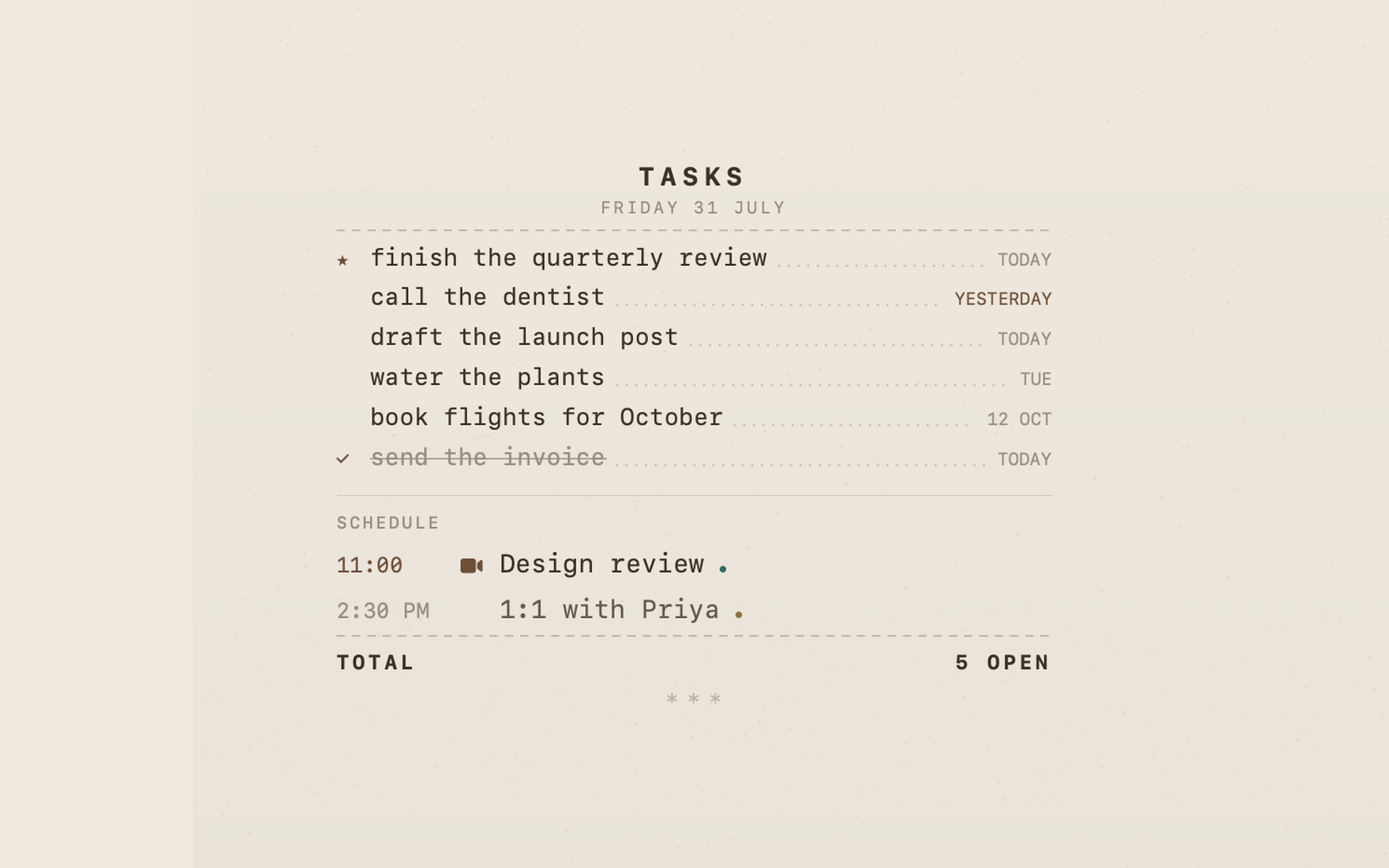
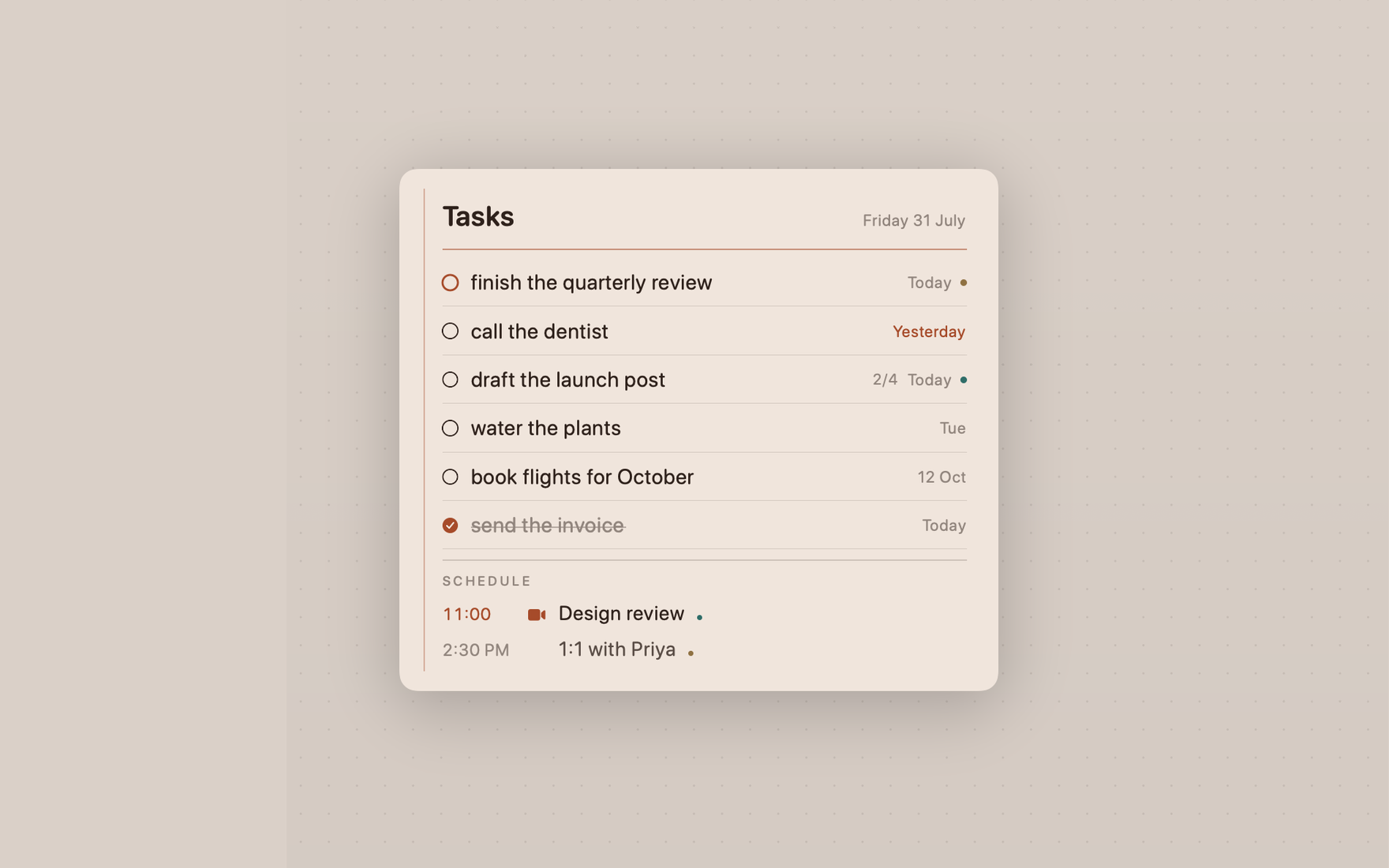
Typography, not a widget.
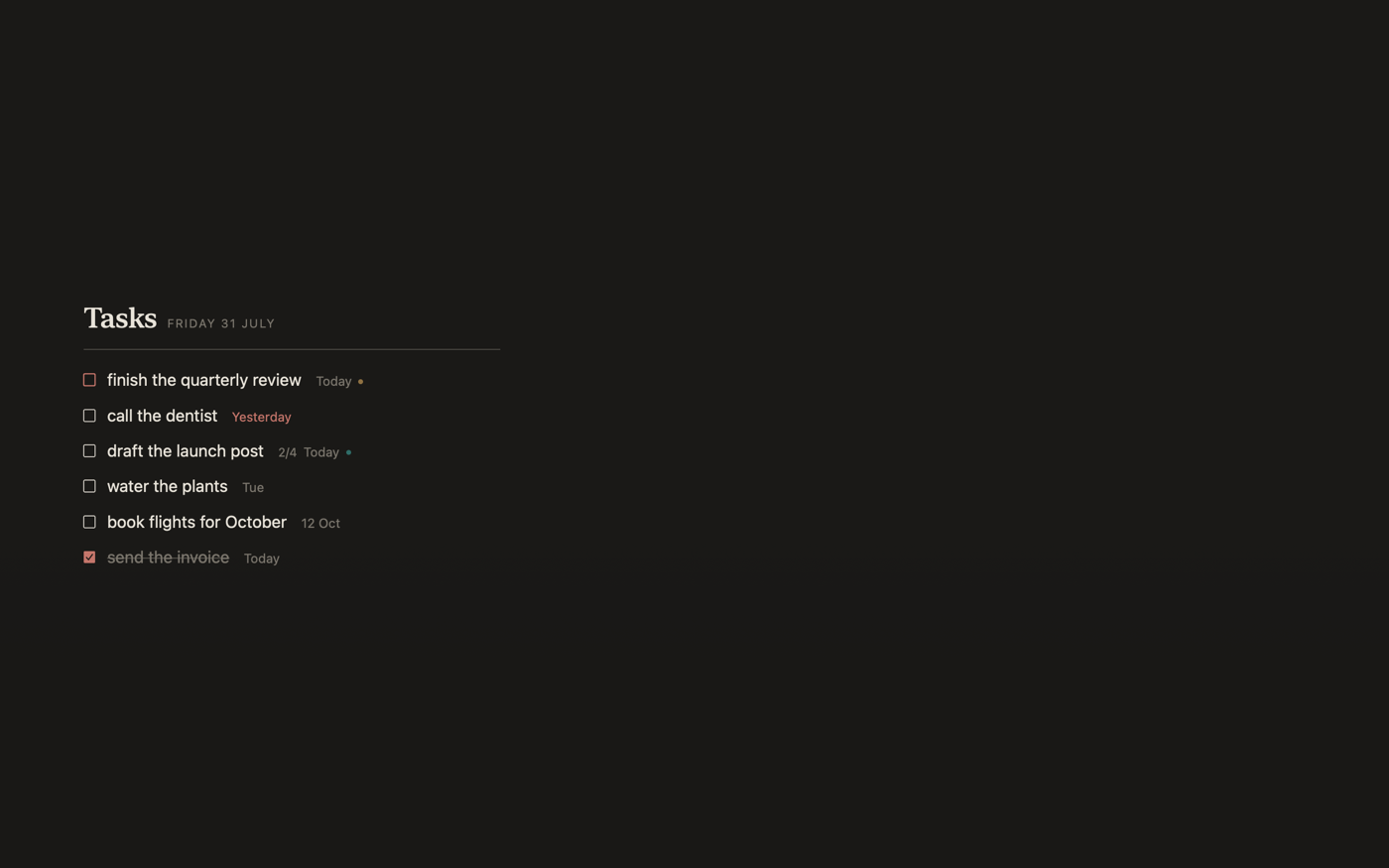
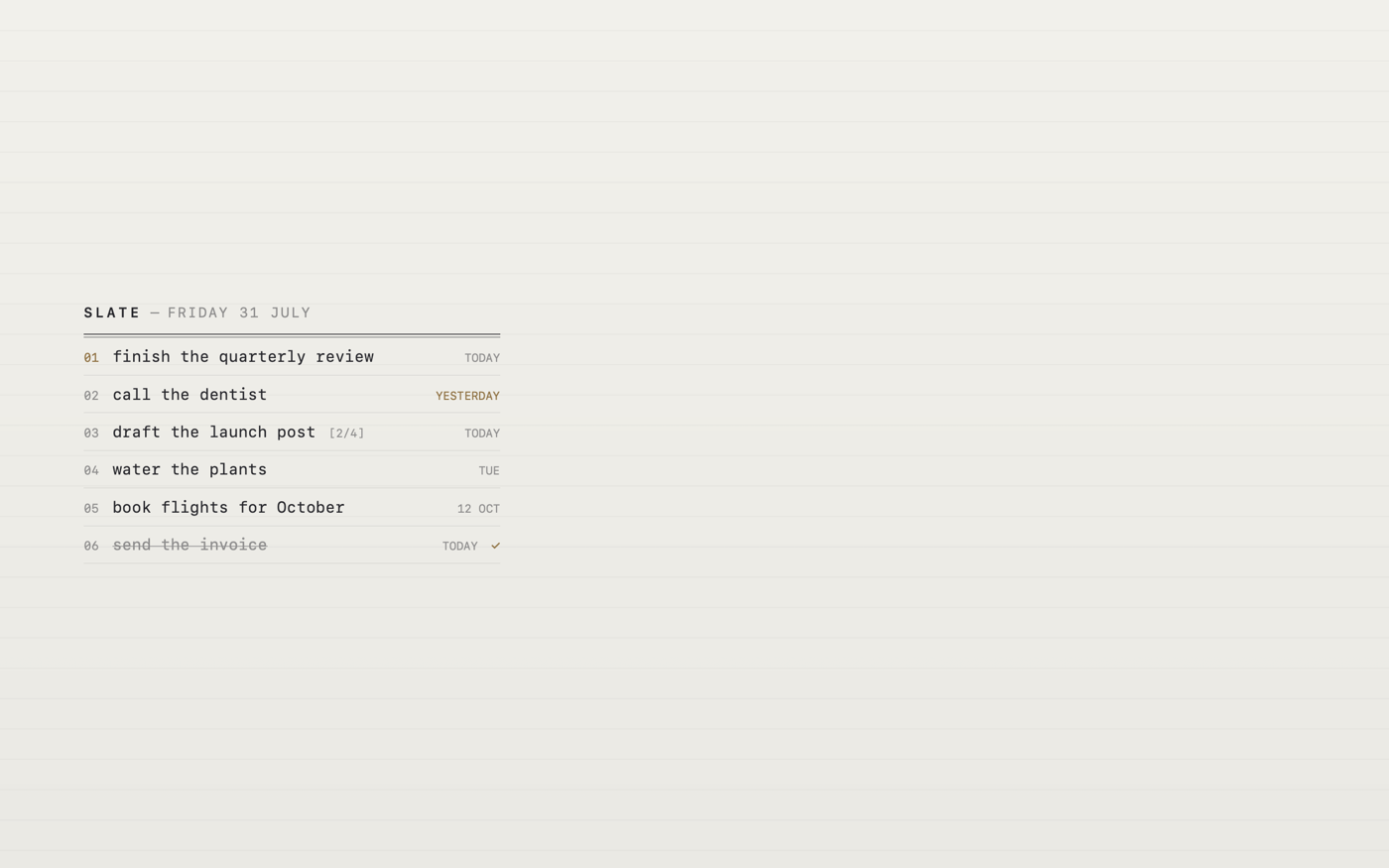
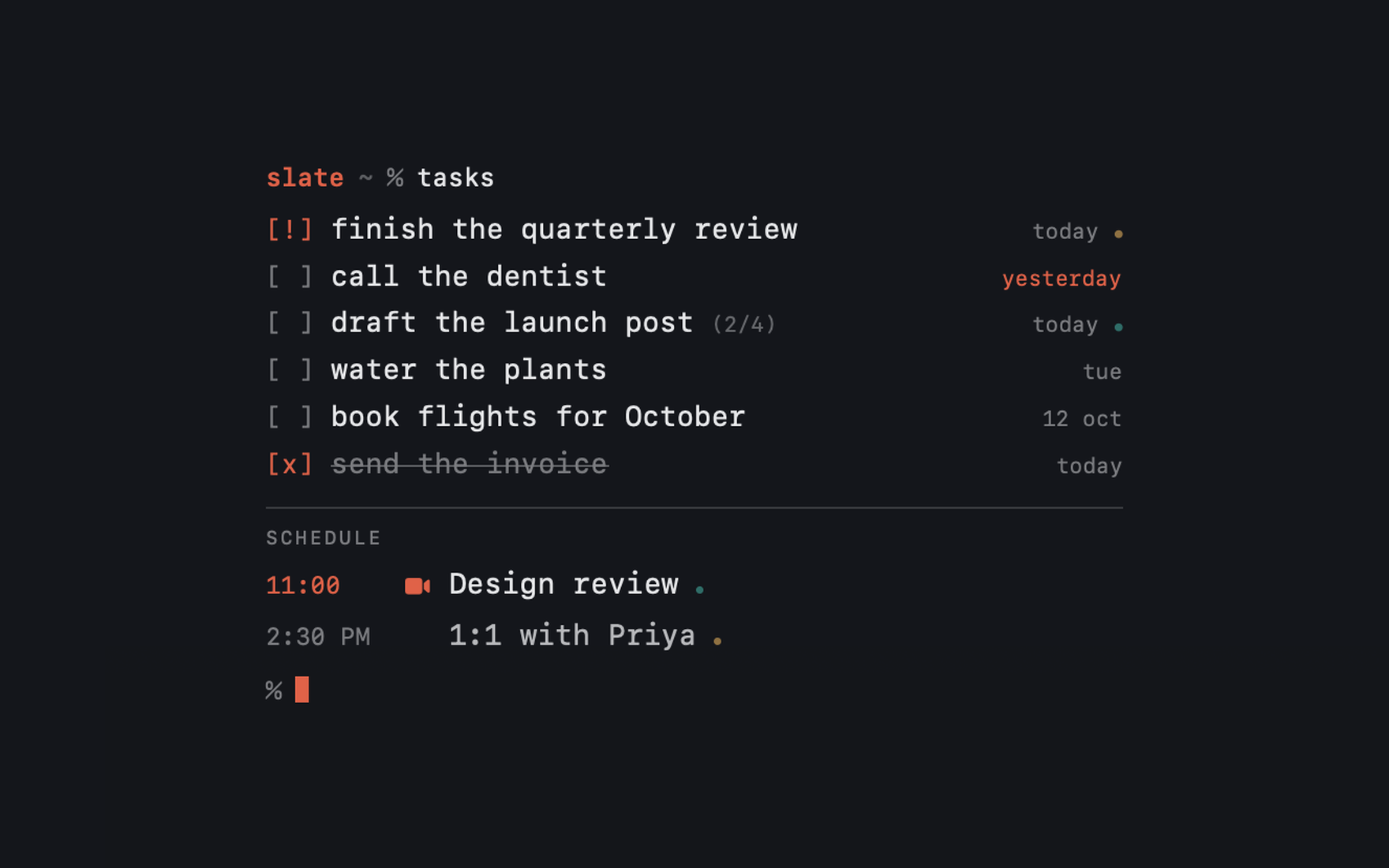
Each one is a different way of reading the same day — set by hand, not generated from a theme. Pick one, drop it anywhere on the screen, and it follows Light and Dark Mode from there.

Your calendar too
The day, in the order it happens.
Today's events sit with your tasks, each with an icon that suits it — a cake for a birthday, a fork for lunch, a camera for a meeting. Meeting links open with a click.
Tick a mirrored reminder off in Slate and it completes in Reminders too, on every device you own.
Focus
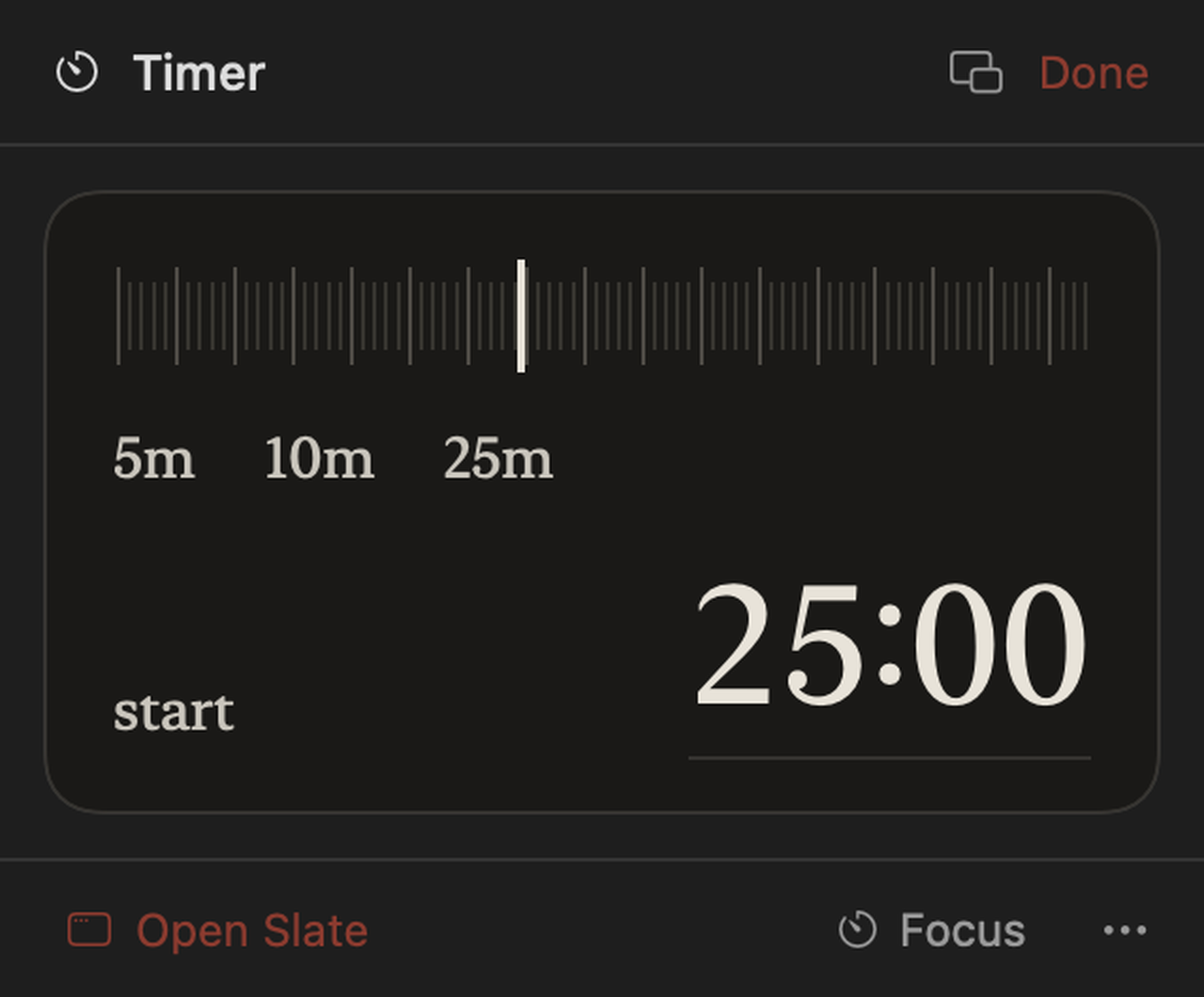
A timer that lives on the desktop.
Drag the scale to any length, or tap a preset. Five and ten minutes are one click; the whole range runs to four hours.
Run the Pomodoro cycle — twenty-five and five, with a longer break every fourth — or right-click a task to work on that one. The countdown shows on your wallpaper and in the menu bar, and a floating timer keeps it in front of whatever app you are in.
- FreeEvery timer up to ten minutes
- UnlockedAny length, the Pomodoro cycle, per-task sessions
A real to-do app
Not a wallpaper toy.
Type dates in plain English — “pay rent friday 5pm”, “every weekday”. Lists, subtasks, notes, repeats, pinning, search, multi-select and undo. Capture anything from anywhere with ⌥⌘K, or from the menu bar.
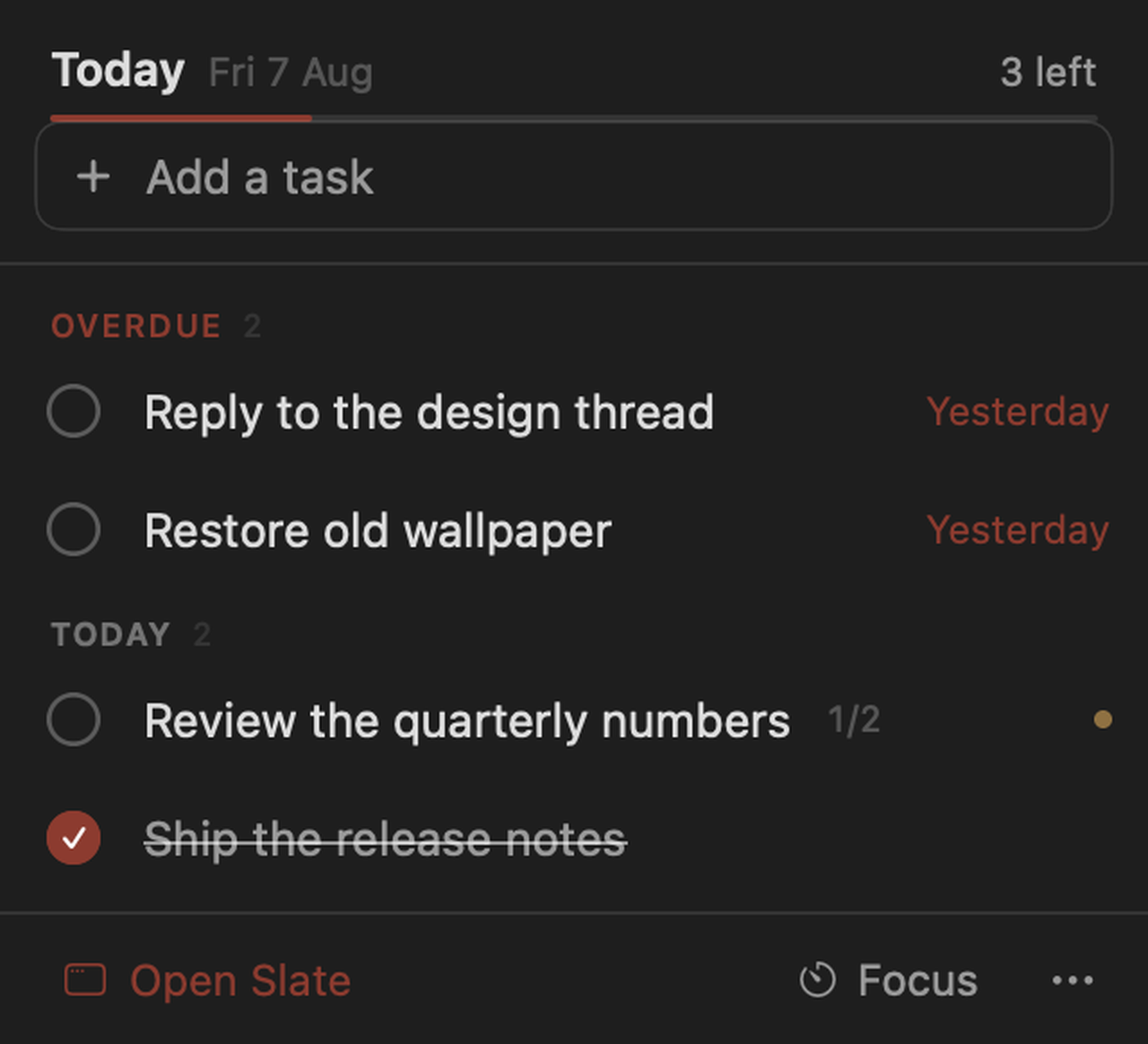
- ⌥⌘KCapture from anywhere, over any app
- Plain English“pay rent friday 5pm”, “every weekday”
- Right-clickStart a focus session on one task
- UndoEvery change, all the way back
- AnywhereNine positions, any column width, clear of your Dock and icons
- Your photoUse your own picture, with the list drawn legibly over it
- Every displayRendered per screen, at the resolution that screen runs
Colour
Twenty palettes, none of them loud.
Warm, muted ink meant to sit behind a day's work rather than compete with it. Each one is drawn for light and for dark. Or set your own three colours.
Type
Thirteen faces, set in themselves.
Nine named faces and the four system designs, every one of them shipped with macOS — so each name below is drawn in the face it names, on this page exactly as on your desktop.
Price
Free forever, with a week to try the rest.
The to-do list is free and stays free: unlimited tasks, lists, subtasks, due dates, repeats, search, undo, the Editorial wallpaper in all nine positions, and timers up to ten minutes.
- UnlocksThe other six templates, every palette, typeface and texture
- AndPhoto backgrounds, Reminders sync, calendar events
- AndFocus sessions longer than ten minutes, including Pomodoro
Every plan gives exactly the same thing. There is nothing else to buy.
Private by design
Your tasks never leave your Mac.
No account. No analytics. No telemetry. Nothing but Apple's own purchase check ever goes out. Your list is a single file in your home folder, and you can read it in a text editor.